1–60 s
Any delay you want
Half-second steps up to 10 seconds, then whole seconds up to a full minute. Long enough to finish the rep and turn around.
 Video Delay
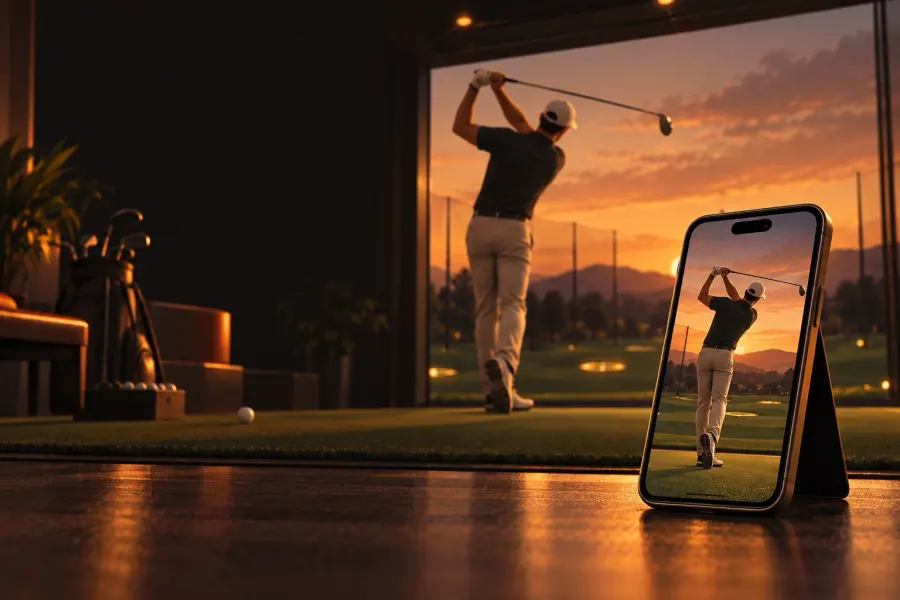
Prop up your iPhone or iPad, do your rep, then turn around and watch it. Video Delay plays the camera back on a delay you choose, again and again, so you never touch the phone between reps.
Lean your phone or iPad against your bag, a fence, or a tripod where it can see you.
Anywhere from 1 to 60 seconds. Enough time to finish the rep and look up.
The replay keeps running. Every rep shows up on screen a few seconds after you do it.
No record button and no timeline. Just the last few seconds, on repeat, with the tools to study the ones that matter.
Half-second steps up to 10 seconds, then whole seconds up to a full minute. Long enough to finish the rep and turn around.
Record at 30, 60, 120, or 240 fps where your camera supports it, then study a saved rep frame by frame, down to ⅛ speed.
Tap Save rep right after a replay to keep the last 5, 10, 15, or 30 seconds, in the app and in Photos if you like.
Draw right on the video to check a swing plane or a knee angle. Lines show their angle and stay put for your next session.
AirPlay or an HDMI adapter shows the delayed replay full screen while the controls stay on your phone.
Video stays on your device. Nothing is uploaded, and nothing is kept unless you tap Save rep.
Also: front or back camera, 0.5× to telephoto lenses on iPhones that have them, pinch to zoom, tap to focus, a mirror option, live and delayed side by side, and a screen that stays awake. If the phone gets hot, the frame rate steps down on its own and comes back when it cools.
A delayed replay lets you see every rep without stopping to review it. Video Delay puts that on the phone you already carry.
No. Video Delay is a one-time purchase. There’s no account, no ads, and nothing extra to buy inside the app.
Yes. It runs on iPhone with iOS 17 or later and on iPad with iPadOS 17 or later. A propped-up iPad makes a great big-screen mirror.
No. Everything happens on your device, so it works at the range, on the field, or in a gym with no signal.
Recent video is kept briefly on your device so the replay can play, then it’s overwritten. When you leave the app, it’s deleted. The only video that’s kept is a rep you save, in the app and, if you turn it on, in Photos.
Yes. Use AirPlay screen mirroring or an HDMI adapter. The TV shows the delayed replay full screen, with your drawings, while the controls stay on your phone.
The phone got hot. To keep going, the app steps down to a lower frame rate and goes back up after it cools. Shade, a fan, or taking off a thick case all help.
Video Delay is in final testing and is coming to the App Store soon. Email help@davidb.app if you’d like a note when it’s out.
Questions or ideas? Email help@davidb.app. Support, privacy, and terms are below.