01
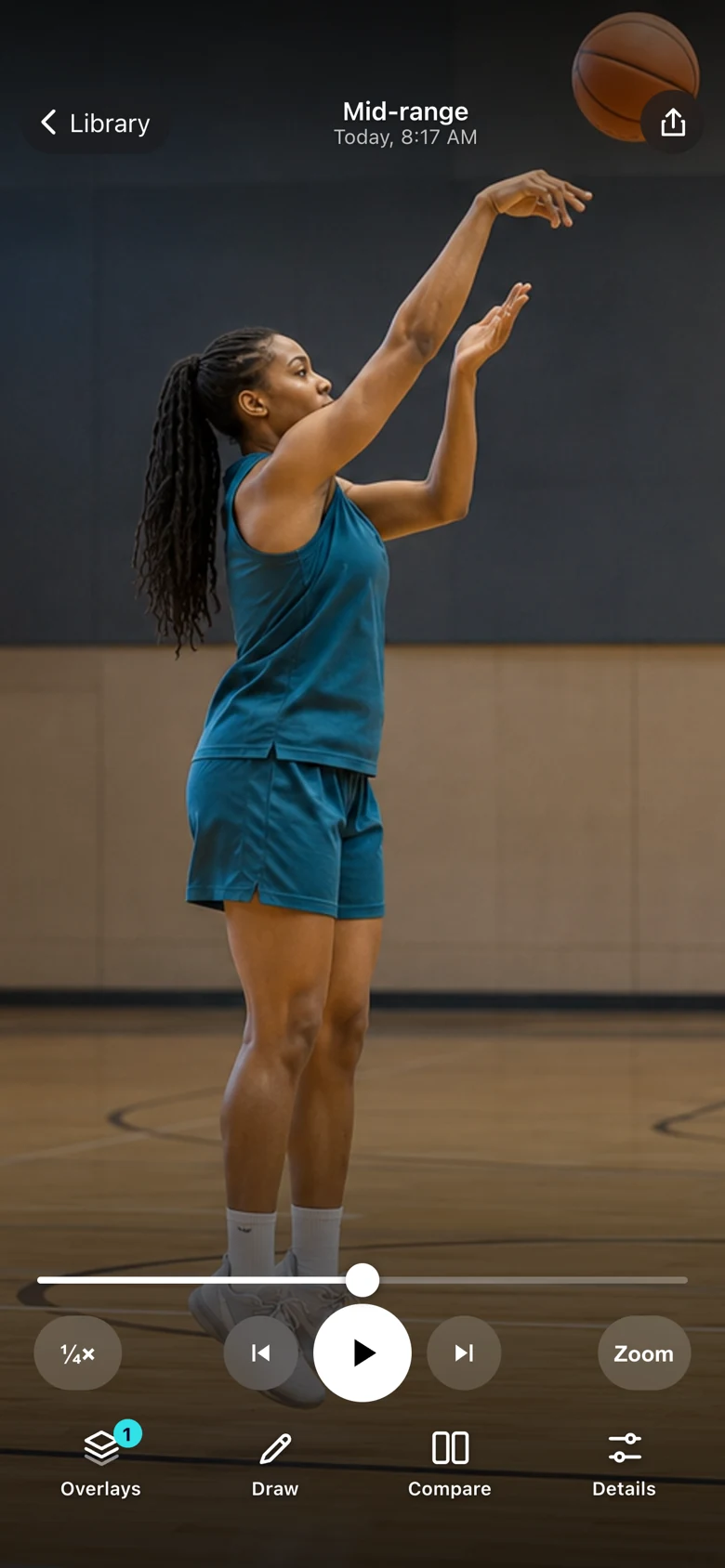
Slow it down.
Review at half or quarter speed. Step through your setup, release, and follow-through one frame at a time.
 Basketball Draw
Your shot. A closer look.
Slow it down. Draw what matters. Compare your next attempt. Basketball video review for players, parents, and coaches.
Coming soon for iPhone & iPad
Pay once. No ads. No subscriptions.
From the first rep to the next
Bring a clip from your camera roll or record in the app. Then take your time with the moments that happen too fast on the court.
Review at half or quarter speed. Step through your setup, release, and follow-through one frame at a time.
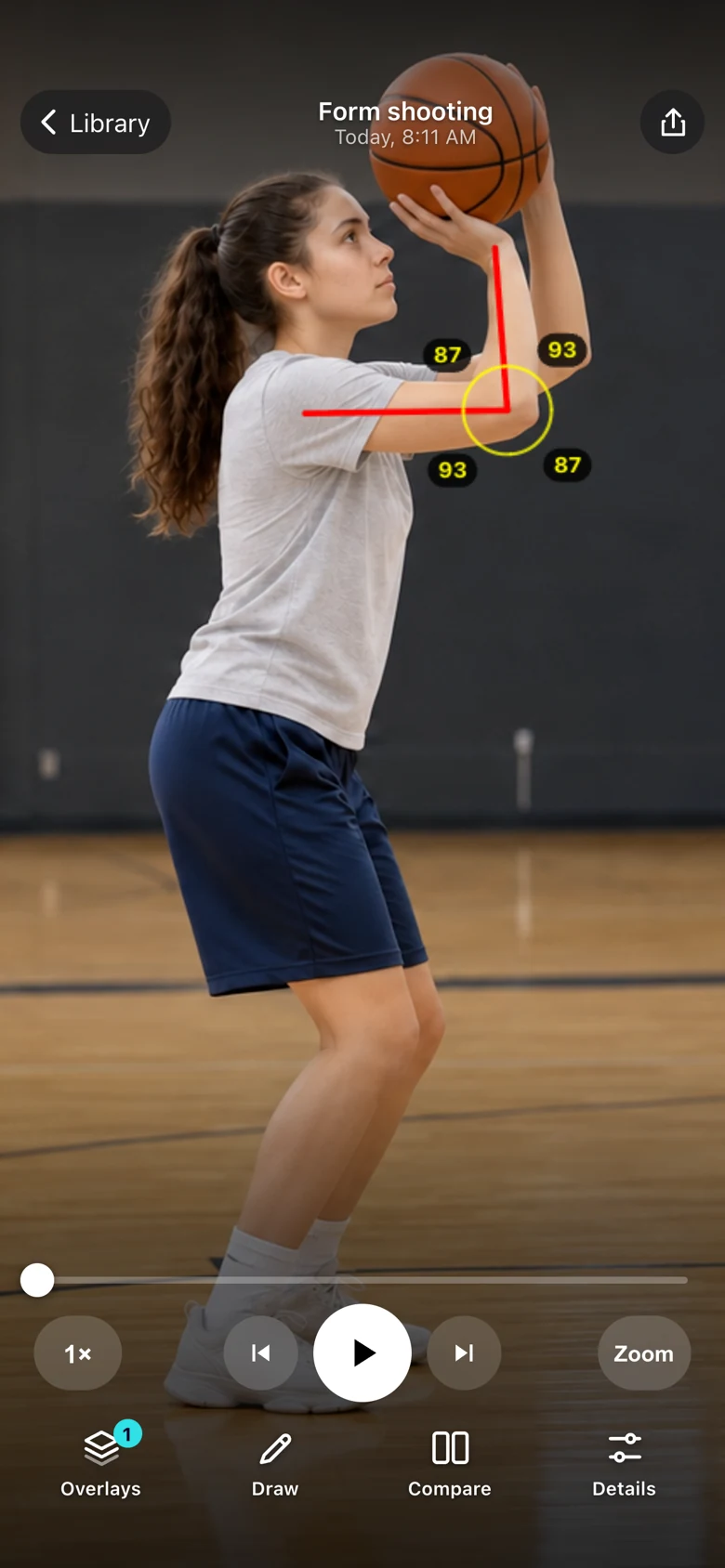
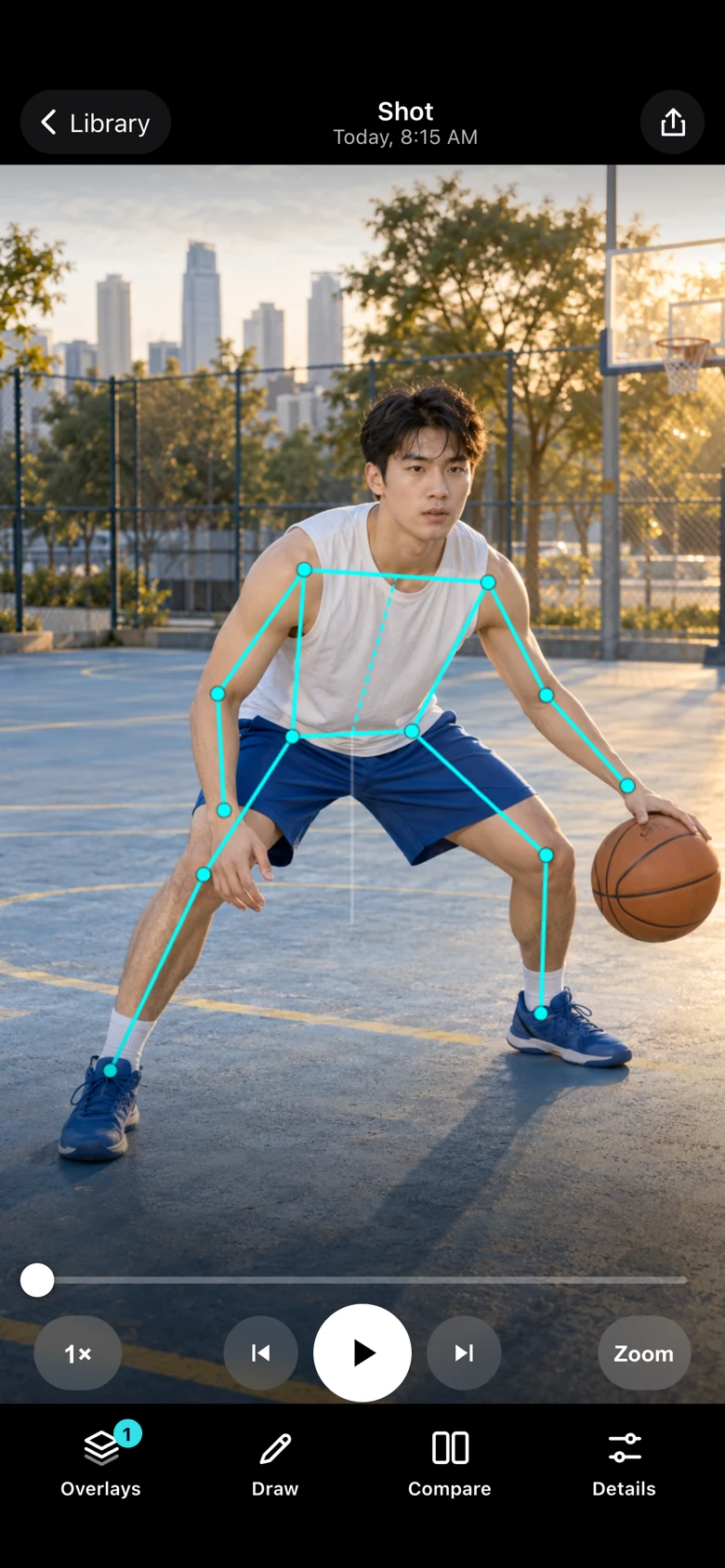
Draw lines and circles. Add an alignment grid or body overlay to inspect the positions you want to work on.
Open two saved clips together. Match the camera angle and playback position to compare the details that matter.
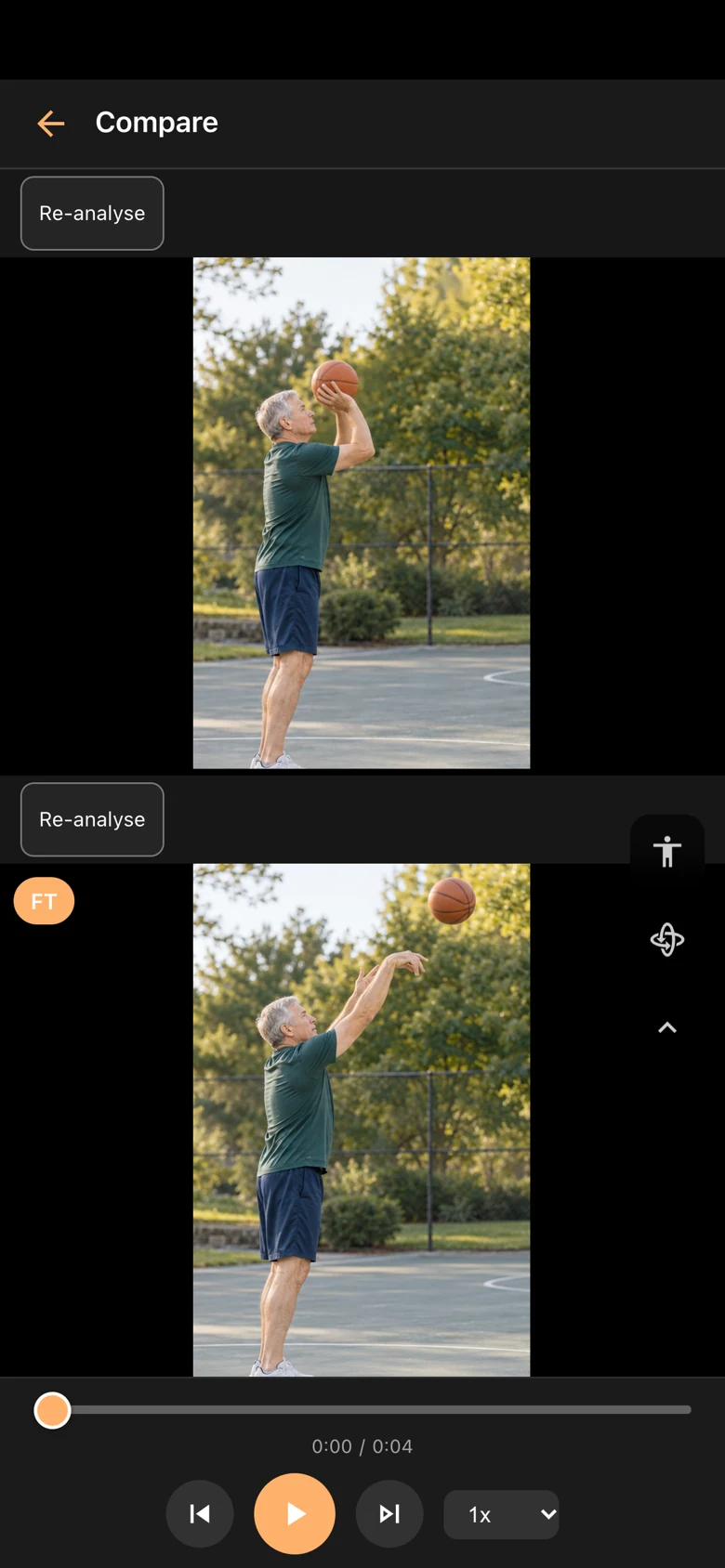
App screenshots use illustrative practice footage of fictional players. Body tracking estimates joint positions; it does not grade your shot or track the ball.
Keep something useful
Keep the clips and cues you want to come back to, from free throws to footwork.
Private by design
Videos, notes, and body analysis stay on your device. No account to create. No feed to post to. Share only when you choose.
Read the privacy policyNo subscriptions.
No in-app purchases.
No ads.
A few useful answers
Basketball Draw is coming soon to the App Store for iPhone and iPad. It will be a paid download with all features included.
No. Pay once. There are no subscriptions, in-app purchases, ads, or accounts.
Yes. Import a basketball video from your library, or record a new clip in the app. A steady camera, good lighting, and one clearly visible player make review easier.
No. You choose the checkpoints to review. Body tracking estimates joint positions; it does not give a shooting score, track the ball, or decide whether a shot went in.
Your library and analysis stay on your device unless you choose to export or share. Photos, other apps, and device backups follow your own settings.
Yes. Basketball Draw is built for iPhone and iPad with iOS or iPadOS 17.6 or later. The larger screen gives you more room to review and compare clips.
Setup tips, permissions, exports, or a question about your clips.